

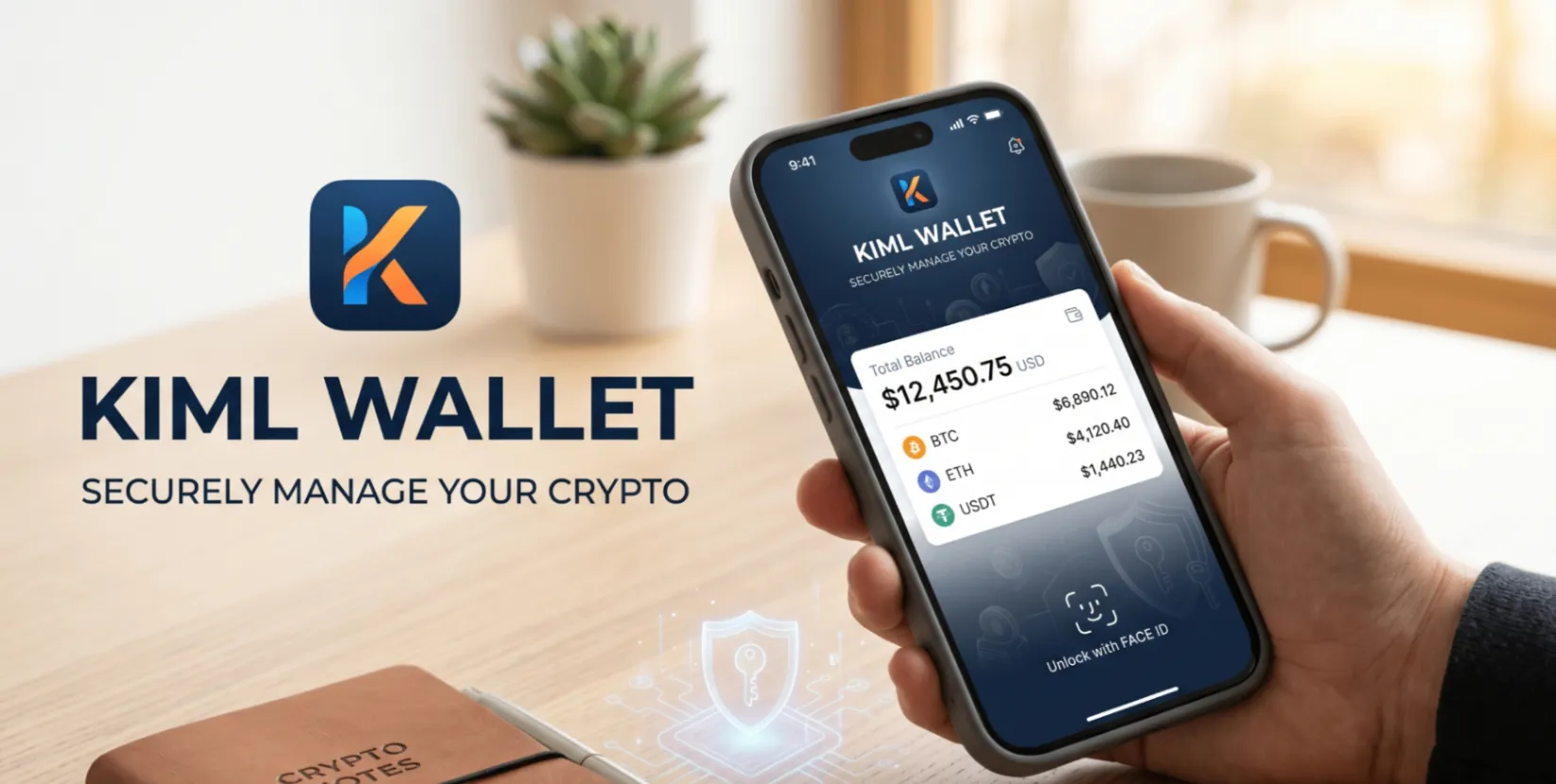
If you are looking for the best crypto wallet app for iPhone, you need more than just a pretty interface. You need a wallet that is non-custodial, supports multiple cryptocurrencies, is easy to use, and takes your security seriously.
This guide breaks down what to look for in an iOS crypto wallet and why KIML Wallet stands out as the best choice for iPhone users right now.
What Makes a Great iPhone Crypto Wallet?
- Non-custodial: You own your private keys. No exchange holds your funds.
- Multi-coin support: One app for Bitcoin, Ethereum, and all the tokens you hold.
- iOS optimised: Smooth performance, Face ID support, App Store verified.
- No KYC required: Create a wallet without submitting identity documents.
- Simple interface: Fast to learn, easy to use daily.
- Open source: Code is publicly available so anyone can verify how it works.
- Secure: Encrypted locally, no data sent to central servers.
Why KIML Wallet Is the Best iPhone Crypto Wallet
KIML Wallet was built from the ground up as a mobile-first experience. Here is what makes it stand out for iPhone users:
- Fully non-custodial: Your keys live on your iPhone only. KIML Wallet never has access to your private keys.
- Multi-chain support: Manage Bitcoin, Ethereum, and tokens across multiple blockchains from one app.
- Face ID integration: Secure every transaction with Apple Face ID for a fast and safe experience.
- No KYC: Create your wallet in minutes with no identity verification required.
- Fully open source: The complete codebase is publicly available on GitHub — full transparency, nothing hidden.
- Free to download: No subscription fee. No hidden charges. Just download and go.
- Clean iOS design: Built to feel native on iPhone. Intuitive layout from day one.
How to Get Started on iPhone
Getting started with KIML Wallet on iPhone takes under five minutes:
- Download KIML Wallet from the App Store.
- Tap "Create New Wallet".
- Write down your seed phrase on paper and store it safely.
- Enable Face ID for quick access.
- Receive your first crypto or buy directly within the app using Finchpay, Moonpay, or Simplex.
Get KIML Wallet
Download KIML Wallet:
- iOS App — App Store
- Android APK — kimlwallet.com
- Web Wallet — app.kimlwallet.com